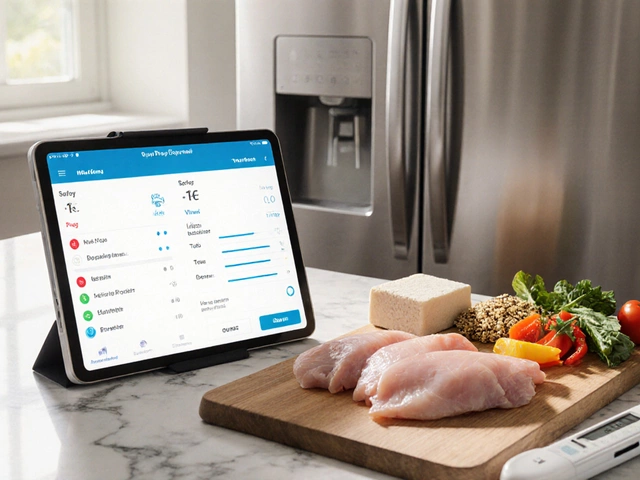
Interactive Tool
Define Your Space
Your Virtual Plan
Based on current AR visualization trends and standard pricing models.
Recommended Budget Split
Estimated Savings vs. Hiring Pro
$3,500+
DIY App Average Savings
Ever stood in an empty room wondering if that sofa will fit before you even open the box? We've all been there. You buy furniture online, wait weeks for delivery, only to realize it blocks the window or clashes horribly with your rug. Before smartphones, this trial-and-error game cost us thousands in returns and wasted weekends. Now, with the rise of Home Decorating Appsmobile software designed to help users visualize and plan their living spaces virtually, the stakes are much lower.
The short answer to whether these apps exist is a definitive yes. In fact, by 2026, they have evolved far beyond simple catalogs. These digital tools combine Augmented Reality (AR)technology that overlays digital images onto the real world through a camera lens with smart design algorithms. Whether you are painting a wall in Melbourne or renovating a suburban house in Geelong, these apps let you test colors, layouts, and styles instantly.
How Interior Design Technology Has Evolved
We started with static image boards. You'd print out photos from magazines, tape them to a corkboard, and hope the colors matched in real life. Then came 2D planners where you dragged boxes around a grid. While functional, they lacked depth. The game changer was when phones could map your room's geometry accurately. Today, applications can scan your space and build a 3D model automatically.
Consider the shift in accessibility. Professional interior design used to require expensive CAD software and blueprints. Now, anyone with a smartphone can access similar capabilities. This democratization means you aren't paying hourly rates just to see where a dining table goes. However, technology isn't magic. Understanding the underlying mechanics helps manage expectations.
Top Categories of Room Planning Software
Not all apps do the same thing. Some focus purely on inspiration, while others handle precise measurements. To find the right tool, you need to understand the three main categories currently dominating the market.
| Type of Tool | Primary Function | Best For |
|---|---|---|
| Shopping IntegratorsApps linked directly to retailer inventory for purchasing | Buying furniture directly | Fully furnished setups |
| Visualization ToolsSoftware focusing on rendering photorealistic 3D images | Testing styles without buying | Renovations and color testing |
| Inspiration LibrariesPlatforms aggregating millions of user-generated designs | Gathering ideas and mood boards | Early planning stages |
The Power of Augmented Reality in Living Spaces
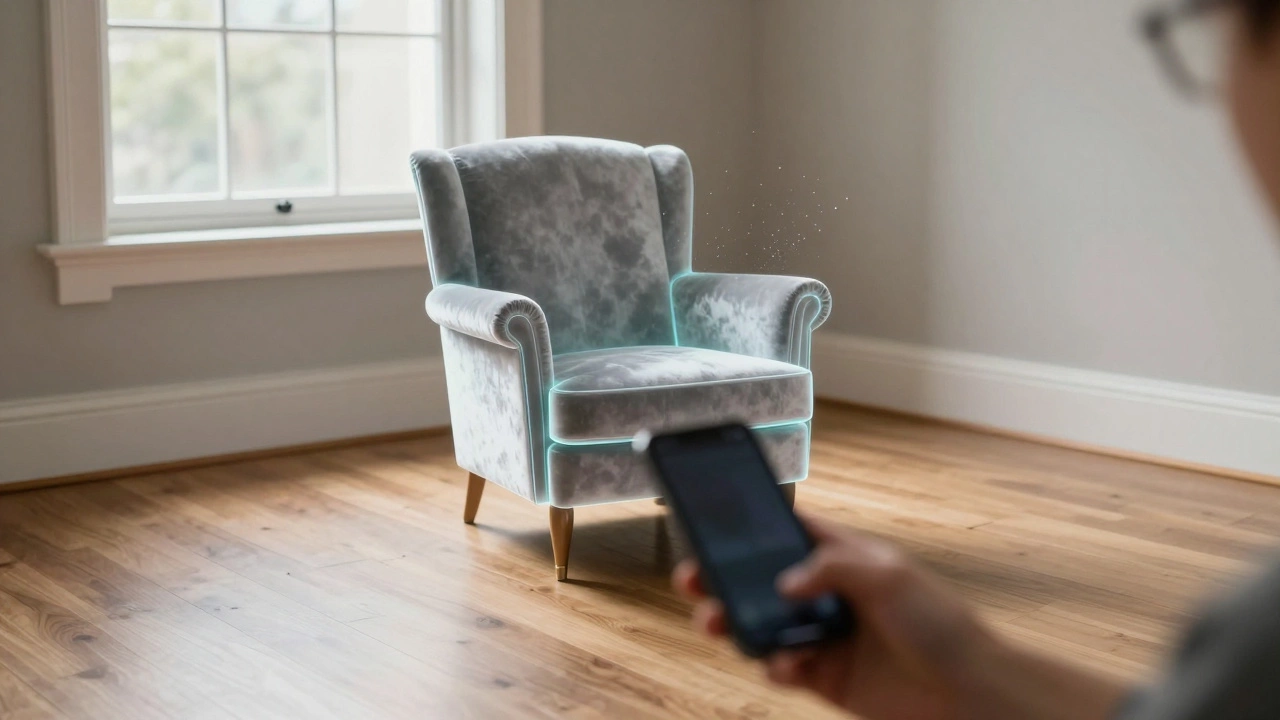
This is the feature people care about most. You point your phone at your empty corner, tap a button, and a lamp appears right there on your screen. It looks like it is actually sitting on your floor. Virtual StagingThe process of digitally furnishing an empty property for visualization works similarly but is often used by real estate agents to sell homes. For homeowners, it allows you to place sofas, rugs, and art pieces in the correct proportions.
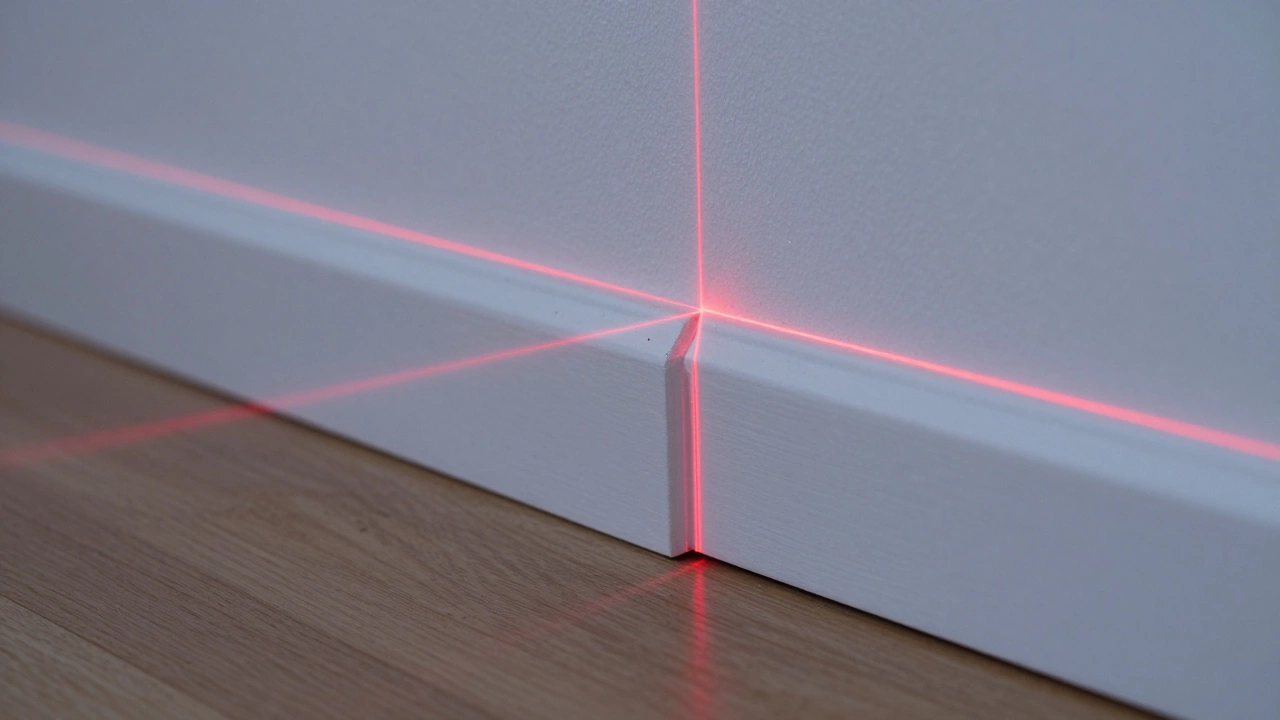
Why does this matter? Because perspective is tricky. On a 2-inch wide tablet, a chair might look small. In your actual hallway, that same chair might block the path. LIDAR ScanningA remote sensing method to probe the distance of objects technology found in newer iPhones has revolutionized this. It measures the room depth so precisely that the virtual furniture stays anchored to the floor when you walk around. If you don't have LIDAR, many apps now use 'slam' (Simultaneous Localization and Mapping) to estimate distances via the camera alone.
Leading Apps to Try Right Now
With so many options, how do you pick? Here are the heavy hitters that stand out in 2026.
- Houzz: Originally built as a directory for contractors, this platform has pivoted heavily toward DIY. Their 'View in My Room' feature is industry-standard. It offers a massive catalog of products from various brands, meaning you can mix high-end designers with budget finds.
- IKEA Place: While limited to their own brand ecosystem, their app remains a gold standard for AR stability. If you are on a budget, seeing exactly where those Kallax units go is essential.
- Planner 5D: This focuses on the floor plan aspect. If you are moving walls or rearranging a whole house layout, drag-and-drop editing here beats simple photo overlays.
- Pinterest Lens: Often overlooked as just a social feed, the visual search engine inside Pinterest is incredibly powerful. You can snap a photo of a texture you love and find items that match.
Each tool has its niche. Don't download all ten just yet. Start with one that solves your immediate problem.
Common Pitfalls with Digital Design
Just because an app shows a rug doesn't mean it's accurate. Lighting conditions affect how we perceive color. An app might render a vibrant yellow paint, but under the streetlights outside your apartment, that yellow could look muddy or green.
Scale is another common issue. Sometimes the AR placement is slightly off by a few centimeters. That might sound minor, but over a large sofa, it makes the difference between fitting through the door and getting stuck in the doorway. Always measure your entryways manually, regardless of what the software says. Also, keep in mind that digital textures can sometimes gloss over fabric imperfections or patterns that repeat awkwardly on physical wallpaper.
How to Get Started Effectively
Using these tools efficiently saves time. Follow this simple workflow to get the most out of your session:
- Clean the Space: Ensure the area is clear of clutter so the camera can detect corners and floor lines.
- Scan the Room: Use the room scanner feature slowly. Walk 360 degrees. Good data input equals good output.
- Set Anchors: Place the first item on the floor. Use it as a baseline to place everything else relative to it.
- Take Screenshots: Snap photos of the view that works best. Save these to a folder, not just the temporary cloud.
- Verify Prices: If you decide to buy, always double-check stock availability on the retailer's site.
Budget-Friendly Alternatives to Professional Help
Hiring an interior designer typically costs anywhere from $3,000 to $10,000 depending on the project scope. Apps offer a zero-cost alternative for the conceptual phase. Many premium apps offer free versions with locked templates. You don't necessarily need to pay for subscriptions unless you are doing commercial work. If you hit a wall with the tech, consider hiring a pro just for a consultation hour rather than full project management. That way, you get expert advice on flow and function without the full price tag.
Future Trends to Watch
We are seeing the integration of AI generative design. By late 2026, many platforms allow you to type "modern rustic kitchen" and they generate three fully rendered variations for you to browse. It takes the guesswork out of starting from scratch. Voice commands are also becoming integrated, allowing you to change wall colors by just saying "make it teal." As internet speeds improve, these apps will run smoother without draining your battery instantly.
Troubleshooting Common Issues
If your app isn't tracking the floor well, check your lighting. Dark rooms confuse cameras. Open blinds or add extra lights. If the app crashes often, close other background processes. If the furniture looks floating, try recalibrating the device's gyroscope settings in your phone menu. Sometimes, restarting the app fixes sensor drift.
Frequently Asked Questions
Are home decorating apps actually free?
Most basic apps operate on a freemium model. You can usually view and move items without paying, but saving projects, downloading high-res renders, or accessing specific furniture libraries often requires a monthly subscription or one-time purchase.
Do I need an iPhone for Augmented Reality?
No. While iPhones pioneered high-quality AR, modern Android devices support it very well. Look for specs regarding 'CoreMotion' or compatible ARKit/ARCore features to ensure smooth performance.
You do not strictly need an iPhone. Most leading apps are cross-platform. However, iPhones generally have better processing power for scanning.
Can these apps help me sell my house?
Yes. Empty homes often struggle to sell because buyers can't visualize potential. Using a virtual staging app to populate empty rooms with warm furniture photos can significantly increase buyer interest and selling speed.
How accurate are the measurements?
They are surprisingly accurate for estimation, usually within a couple of inches. However, never rely solely on them for custom-built cabinetry. Always physically measure critical dimensions twice.
What happens to my data?
Room scans create detailed maps of your home layout. Read the privacy policy carefully. Some apps store cloud backups of your room models for account syncing, while others process locally on the device.